
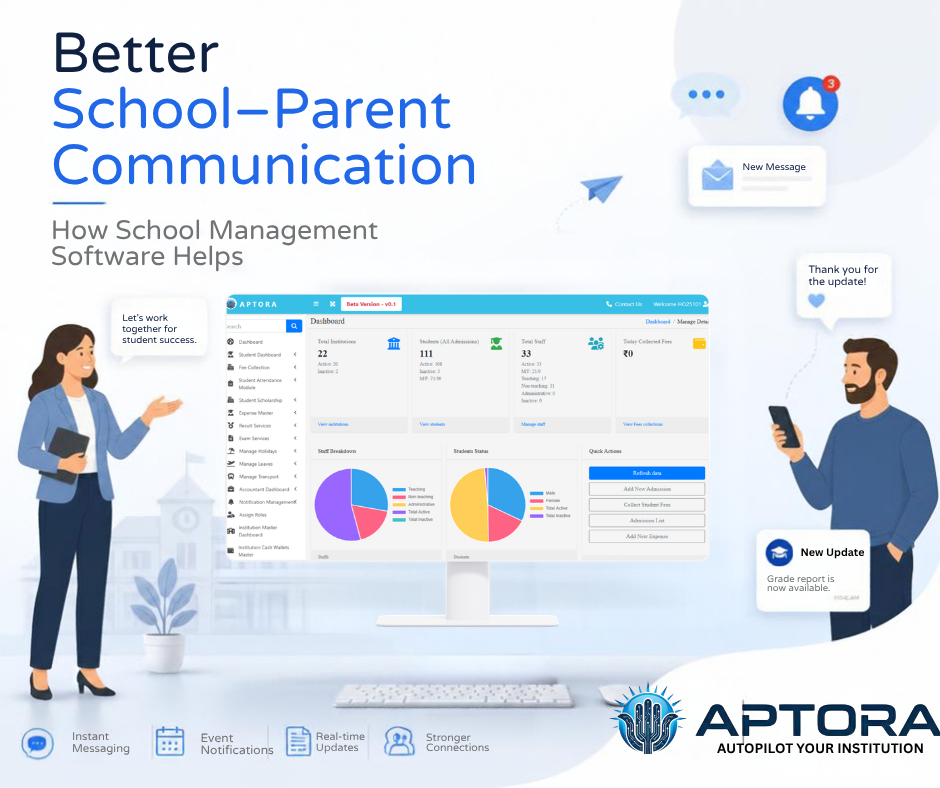
Good communication between a faculty and dad and mom makes a big distinction in a pupil's training. Parents want to understand what is taking place at faculty, whether or not their toddler is attending instructions often, while tests are scheduled, and if there are any essen...
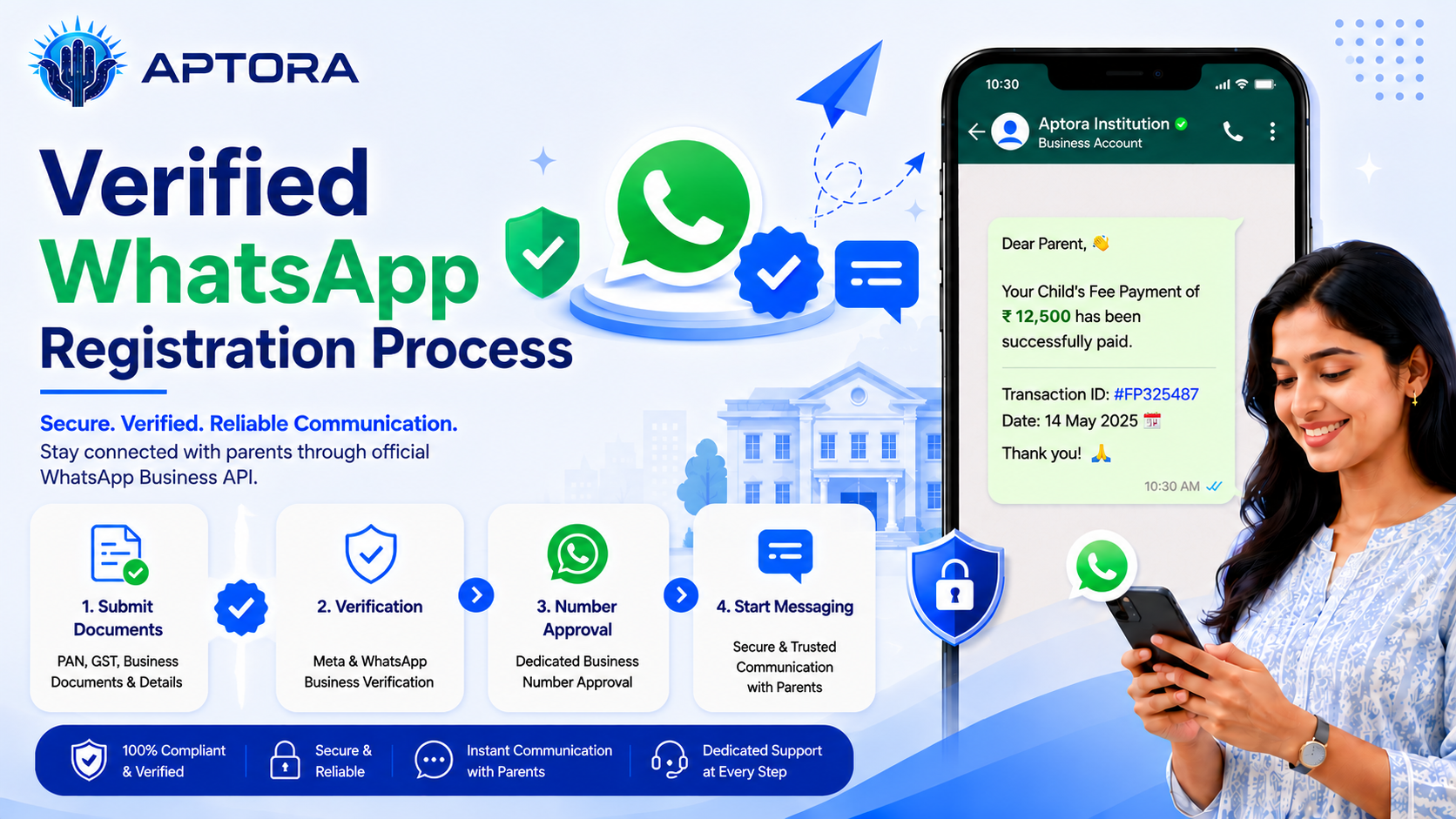
Verified WhatsApp registration is an important step for institutions and businesses that want to use WhatsApp for official communication, alerts, updates, reminders. To complete the process smoothly, the Facebook page, Meta account, documents, SIM card, and payment setup mus...
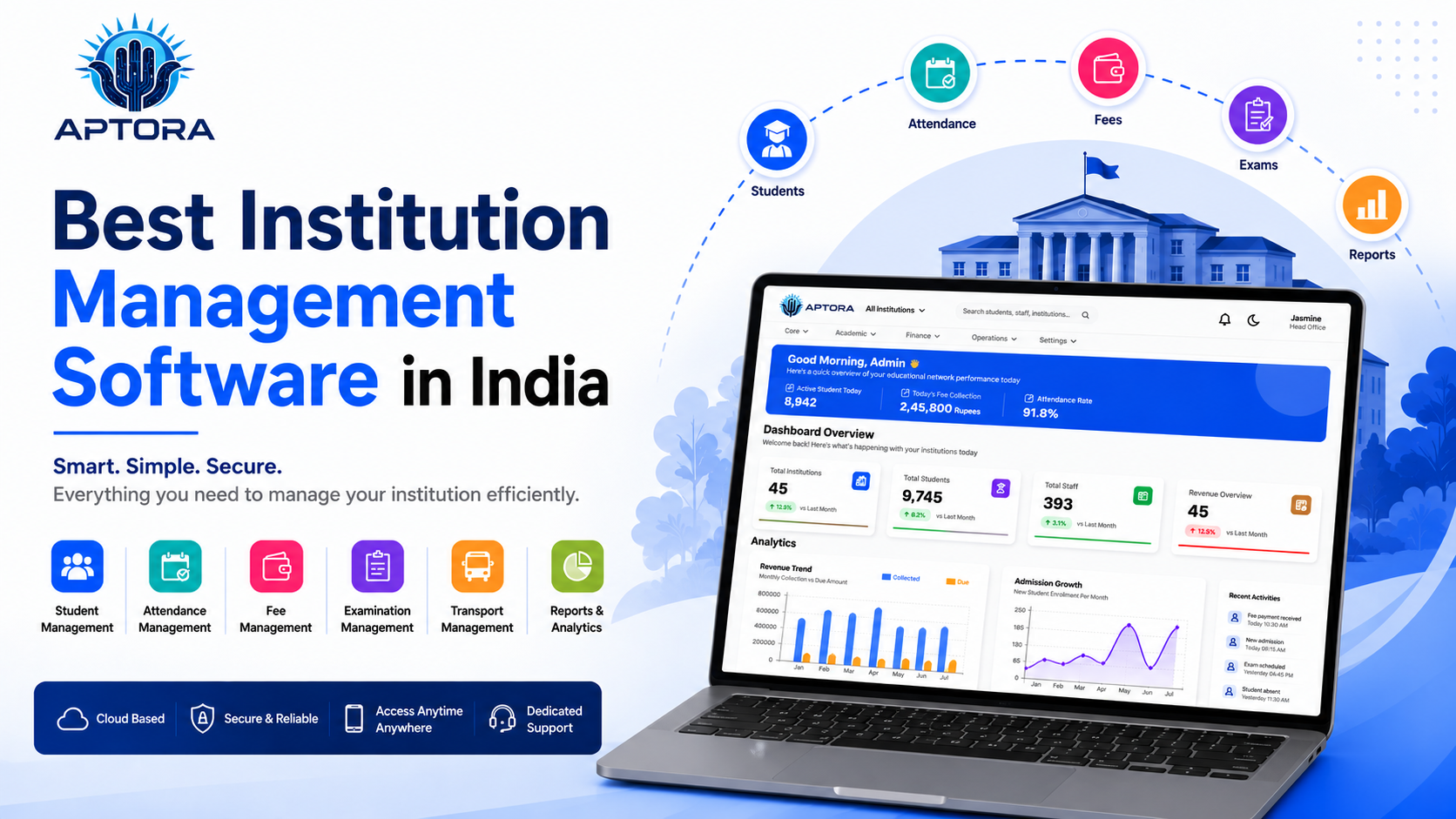
Choosing the best institution management software in India is an important decision for schools, colleges, coaching centers, and training institutes that want to manage daily operations in a smarter way. Today, educational institutions are not only focused on teaching. They...
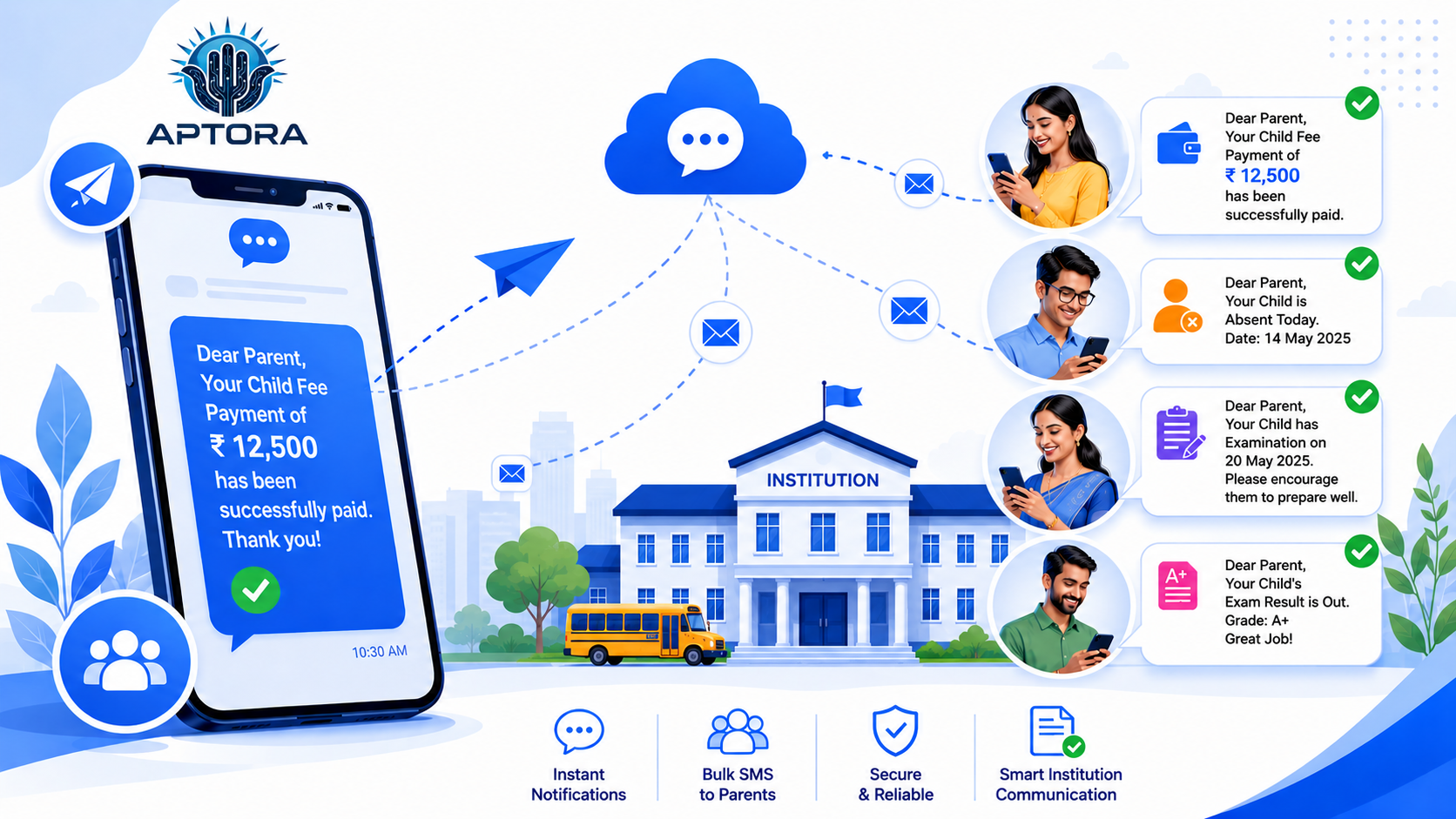
What is DLT Registration? DLT (Distributed Ledger Technology) registration is a mandatory process introduced by TRAI (Telecom Regulatory Authority of India) for businesses and organizations that want to send Bulk SMS. It helps prevent spam messages and ensures that SMS commu...
What is a Transfer Certificate (TC)?A Transfer Certificate is an official document issued by an institution when a student leaves the school or college. It confirms that the student has completed their studies up to a certain academic year and is eligible to join another ins...

Expense Entry Step by Step Guide The Expense Entry process in APTORA helps record and manage all institutional expenses easily and accurately, ensuring proper tracking of payments and maintaining clear financial records.📝 Note: Before proceeding, make sure that the institut...
In APTORA, administrators can easily assign roles to staff members in just a few clicks. This ensures that each staff member has the appropriate permissions and responsibilities, keeping workflows organized and the system secure.Step 1: Log in to the Dashboard Start by loggi...
In APTORA, staff members can easily apply for leave through the system in just a few clicks. This feature streamlines the leave management process, ensuring transparency and accuracy. Once a leave request is submitted, it is forwarded to the concerned authority for approval,...

Step 1: Log in to the APTORA dashboard and click on “Manage Holiday. Step 2: Click on Holiday Name Creation. Step 3: Click on Add Holiday Name. Step 4: Fill in the form with the holiday details and click Submit. Step 5: The holiday name you added will appear below the form....

Student Promotion in APTORA, institutions can advance students from one academic year or semester to the next in just a few clicks. This ensures smooth academic transitions while keeping records accurate and up to date. PrerequisitesBefore promoting students, ensure: Secti...