

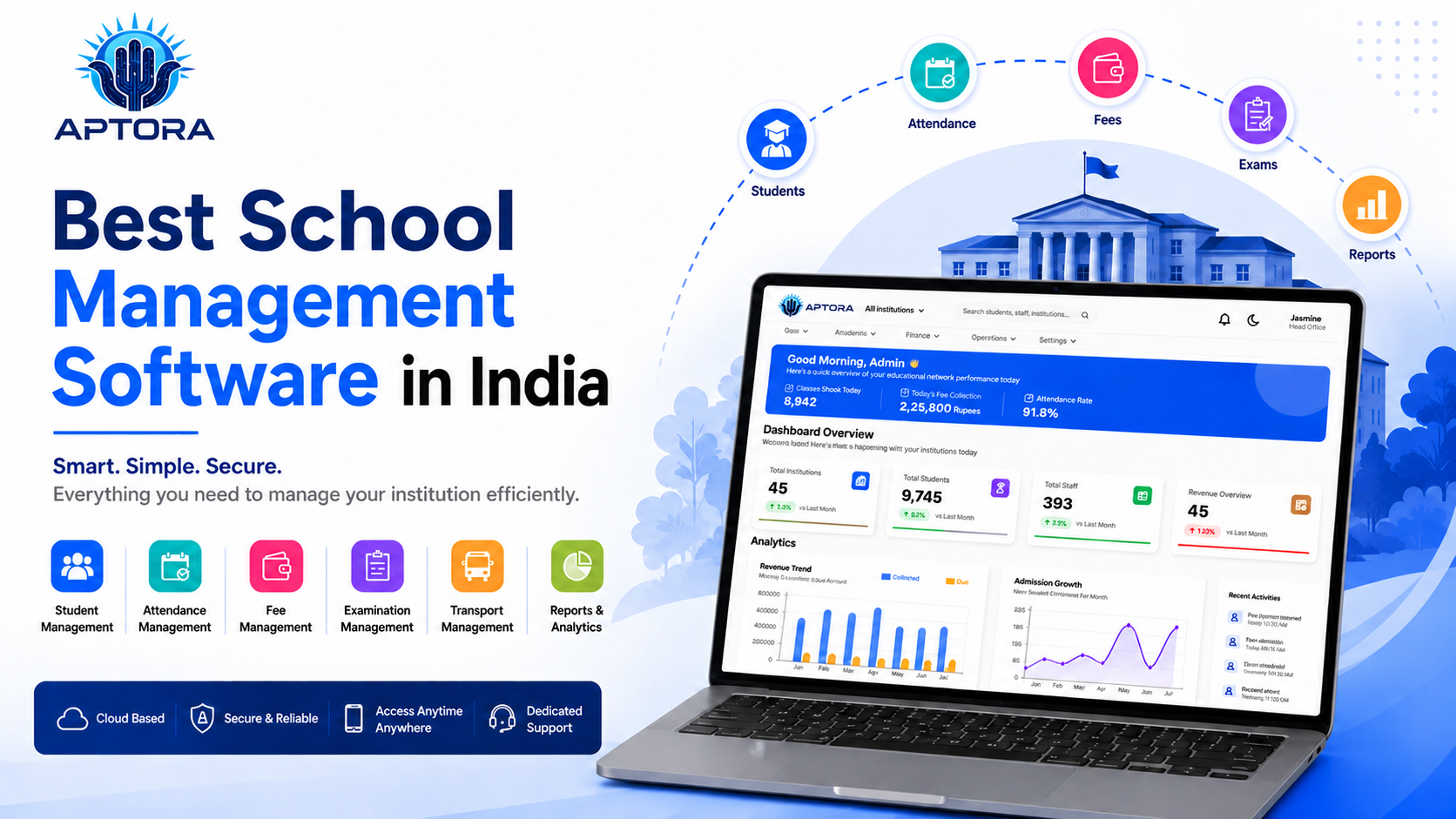
Choosing school management software is an important decision for schools. Teams manage admissions, student records, attendance, fees, exams, staff, parent communication, and reports throughout the year. When these tasks are handled with paper files or separate spreadsheets, it can take more time to find information and keep records up to date.
School management software can bring many daily tasks into one organized system. In this guide, we explain what to look for when choosing the best school management software for 2026.
School management software is a digital system that helps schools manage academic and administrative work. It may also be called school ERP software or a student management system.
Depending on the system, it can help staff manage student information, admissions, attendance, fee records, staff details, communication, and reports from one place.
As a school grows, it has more students, classes, staff, fee records, and daily updates to manage. Keeping everything across paper registers, spreadsheets, and message groups can become difficult.
School management software can help bring these tasks together and make information easier for authorised staff to find.
Before choosing a system, check whether it supports the tasks your school handles every day.
The software should help staff manage student profiles, contact details, class information, documents, and academic records. Organised records make student information easier to find and update.
Admission tools can help schools track enquiries, applications, required documents, and application progress. Staff can see which applications need attention.
Digital attendance tools help teachers record attendance and let administrators review attendance information. Schools can keep attendance records in one system and prepare reports more easily.
Fee management tools can help schools record payments, issue receipts, track pending fees, and review collection reports. Clear payment records can make follow-up easier for staff.
Schools need to manage staff details and give users access based on their responsibilities. Teachers, administrators, accountants, and management teams can use the parts of the system related to their work.
Schools regularly share updates about attendance, fees, exams, events, and announcements. Communication tools can help staff send information to parents in an organized way through the channels supported by the school.
A dashboard can give management a quick view of information such as admissions, attendance, and fee collection. Reports help staff review records and prepare summaries.
A school management system can help teams:
The benefits depend on the system chosen and how well it fits the school’s processes.
APTORA IMS offers tools for educational institutions to manage work such as admissions, student records, fee collection, staff, accounts, and reports. Aptora’s website also describes support for multiple institutions and role-based access.
Schools considering Aptora can book a demo to see how the system works and check whether its features fit their needs. APTORA IMS may be worth considering if your school wants to manage key information in one system, track admissions and student records, organise fee records and reports, manage staff roles, and review operations through dashboards.
Before making a decision, ask these questions:
Ask for a demo and use it to check the workflows your team handles most often.
The best school management software for 2026 is the one that fits your school’s needs and helps staff manage daily work clearly. Compare the features, ease of use, support, and reporting tools before choosing a system.
APTORA IMS helps educational institutions manage areas such as admissions, student records, fees, staff, accounts, and reports. Book a demo with Aptora to see whether it is the right fit for your school.
📞 Ready to upgrade your Institution digitally?
Talk to our expert or contact us for further queries